Screenshots
Simple on purpose
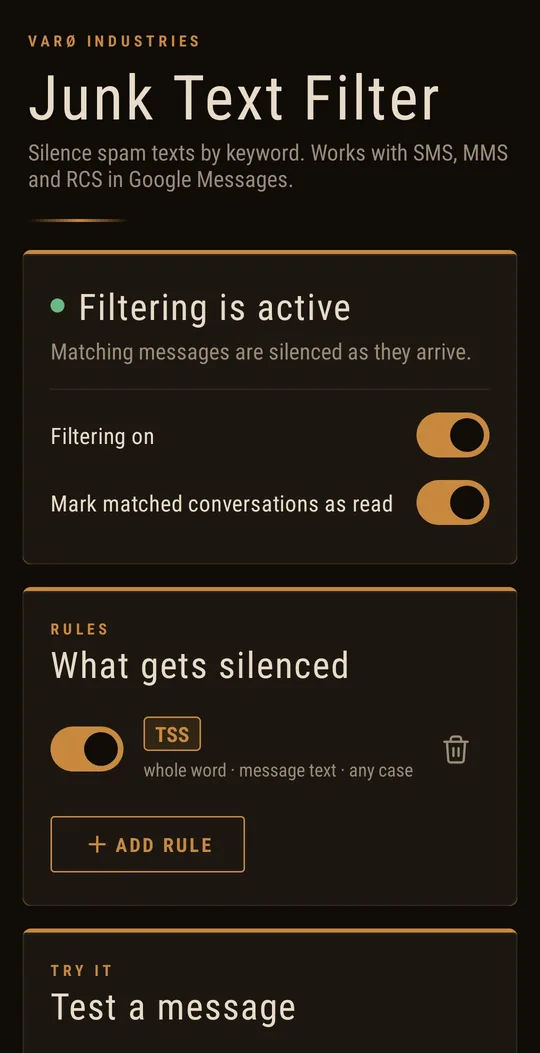
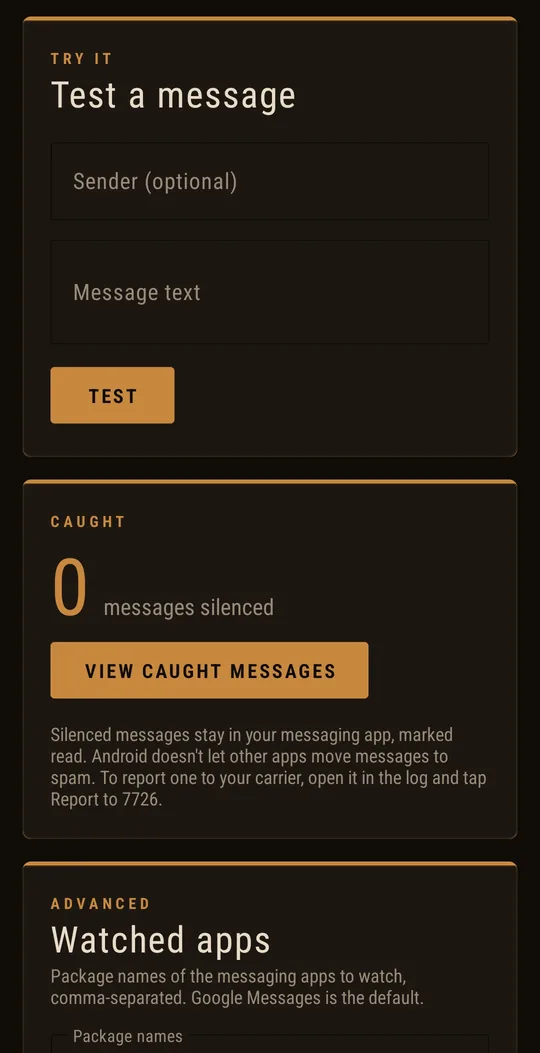
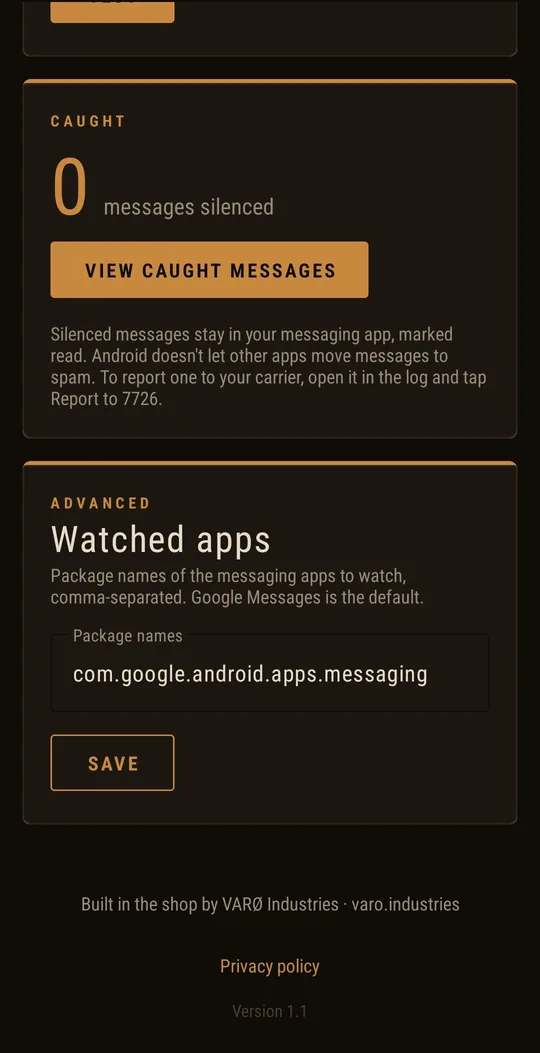
Blocking a spam number does nothing when the next text comes from a new one. Junk Text Filter silences texts by what they say instead — SMS, MMS and RCS in Google Messages.
Set a rule once and every matching text gets silenced and marked read the moment it arrives, no matter which number sent it.
Match a whole word, any text containing it, or a regular expression — in the message, the sender, or both. Test a sample message right in the app before you rely on it.
It works from Google Messages' notifications, which look the same however the text arrived. That's how it can catch RCS chats, which no other app is allowed to read directly.
No account, no analytics, and no internet permission at all. Your rules and the log of caught messages never leave the device.
Every catch is logged. Open one and tap Report to 7726 to forward it to your carrier's spam team, with the sender's number copied for when they ask.
Install it from Google Play. The APK on this page is the same app signed with the same key, so if you'd rather sideload it, a Play update can still install over it, and the other way around.
Android draws some hard lines around messaging apps. Here's where they fall.
Junk Text Filter reads message notifications only to check them against your rules, and keeps everything on your phone. Read the full privacy policy.
Junk Text Filter is free, and it stays that way. If it saved you some time or annoyance, you can buy me a coffee. It helps pay for the next app.